
A good email signature call to action is one short, specific link or button that invites the reader to take a single next step, such as booking a call, reading a case study or starting a trial. Start it with a verb, send it to a page built for that action, and change it when the moment passes.
Most signatures end with a website link and a row of social icons, which gives the reader nothing in particular to do. A single, specific call to action turns every email you send into a small, low-pressure invitation.
8 email signature call to action ideas worth stealing
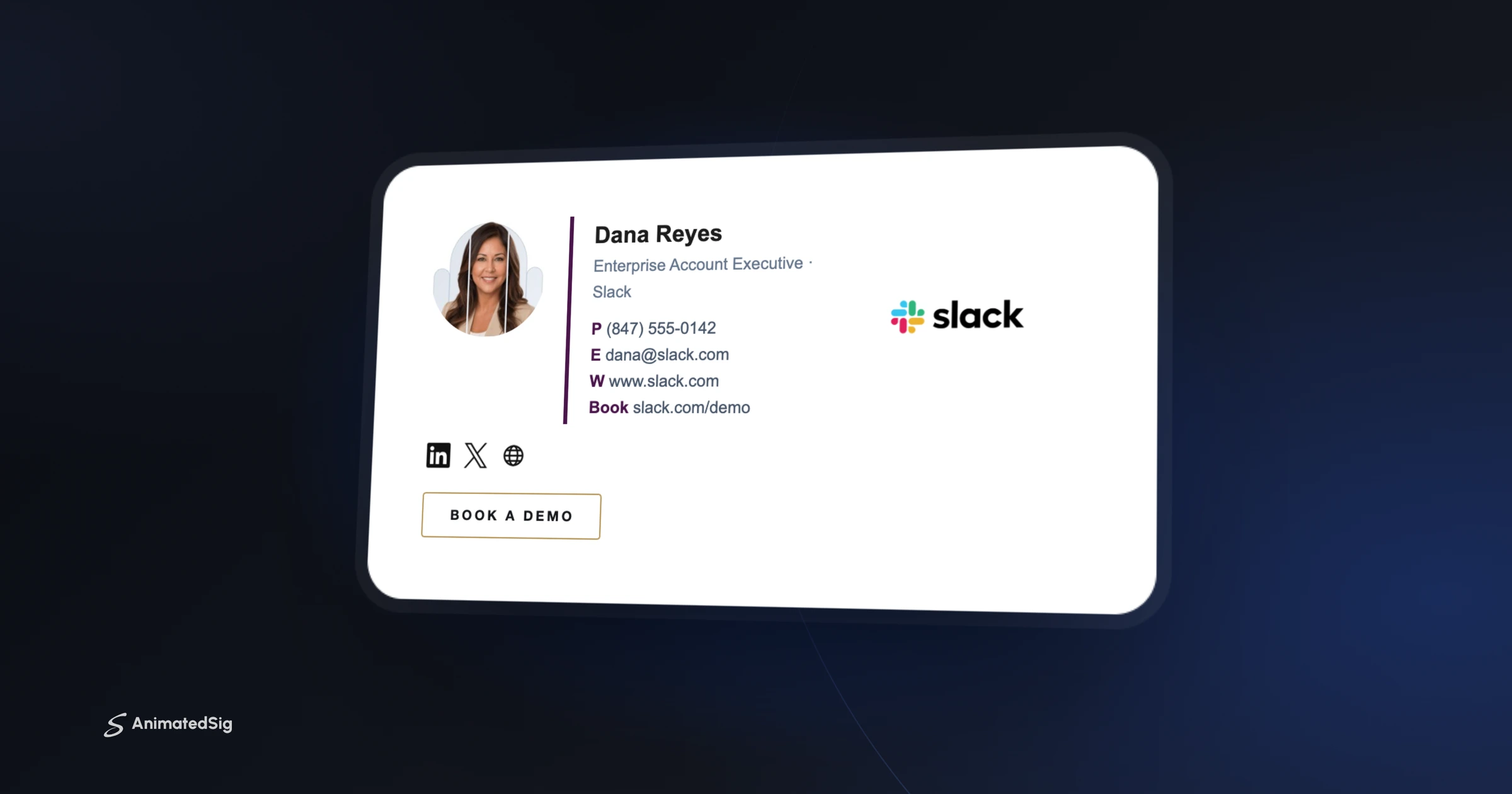
- 1Book a call: link straight to your scheduling page, such as a Calendly link or a Google Calendar booking page, so a reply becomes a meeting in one click.
- 2See a case study: point to your strongest customer story, ideally one from the reader's industry.
- 3Watch a two-minute demo: a short video tour, shown as a thumbnail or a slim banner.
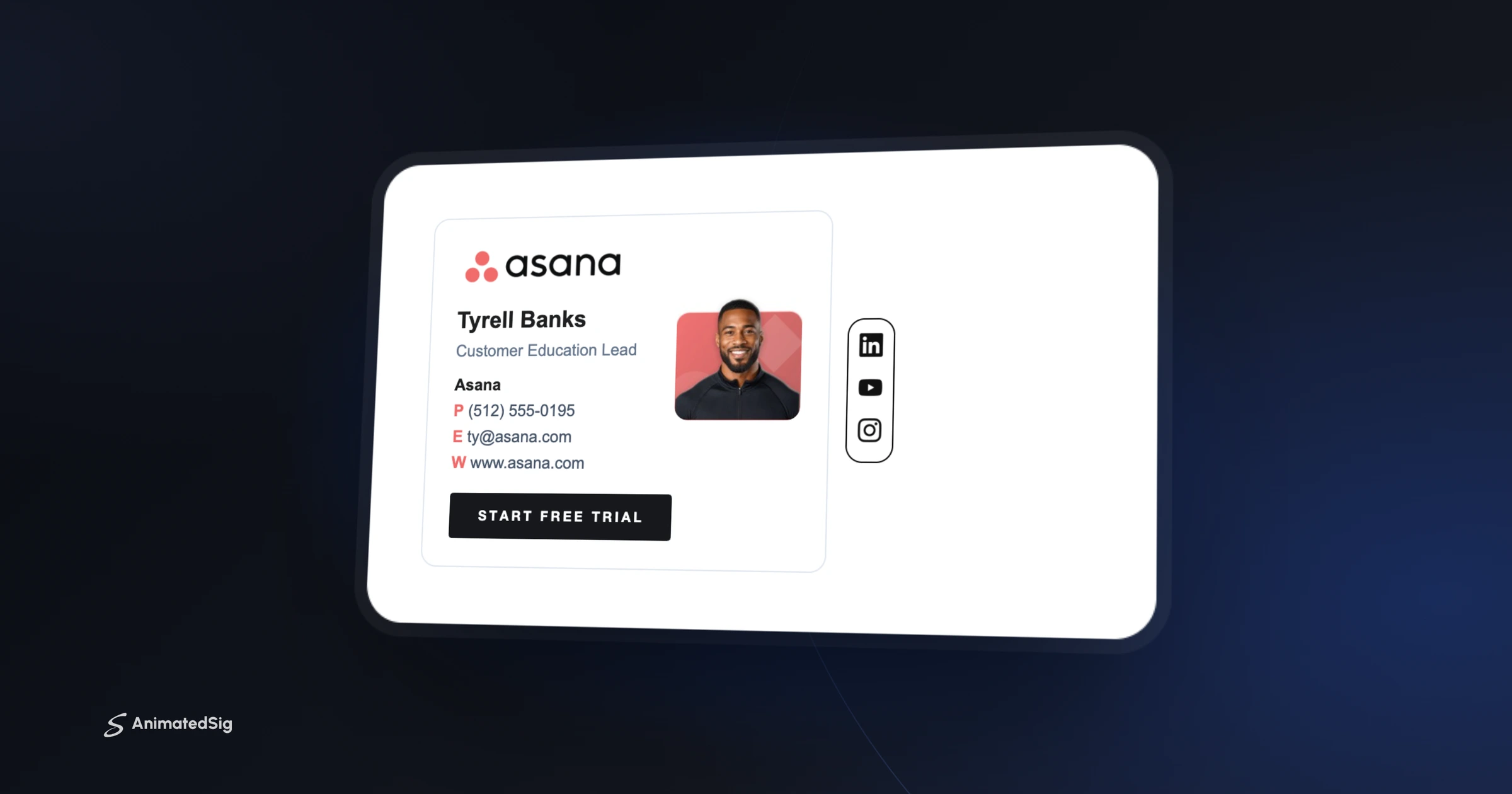
- 4Start a free trial: for product companies, the most direct path from interest to usage.
- 5Leave a review: for local businesses, a link to your review page while the job is fresh in the client's mind.
- 6Register for an event: promote your next webinar, workshop or open house for the weeks before it.
- 7Read the latest: link to a new guide, report or newsletter issue.
- 8We're hiring: turn every email into a recruiting channel while a role is open.
A few of these need a little setup. For reviews, Google lets you copy a review link or QR code from your Business Profile and suggests sharing it in thank-you emails. Don't offer anything in return for a review, though: Google's review guidelines prohibit incentives. For a demo, link to a hosted video page with a still thumbnail, since most email clients won't play embedded video.
Button, banner or text link?
| Format | Best for | Keep in mind |
|---|---|---|
| Text link | Conservative fields such as law and finance | Easy to miss, so give it its own line |
| Button | Booking calls, demos and trials | Must be easy to tap on a phone |
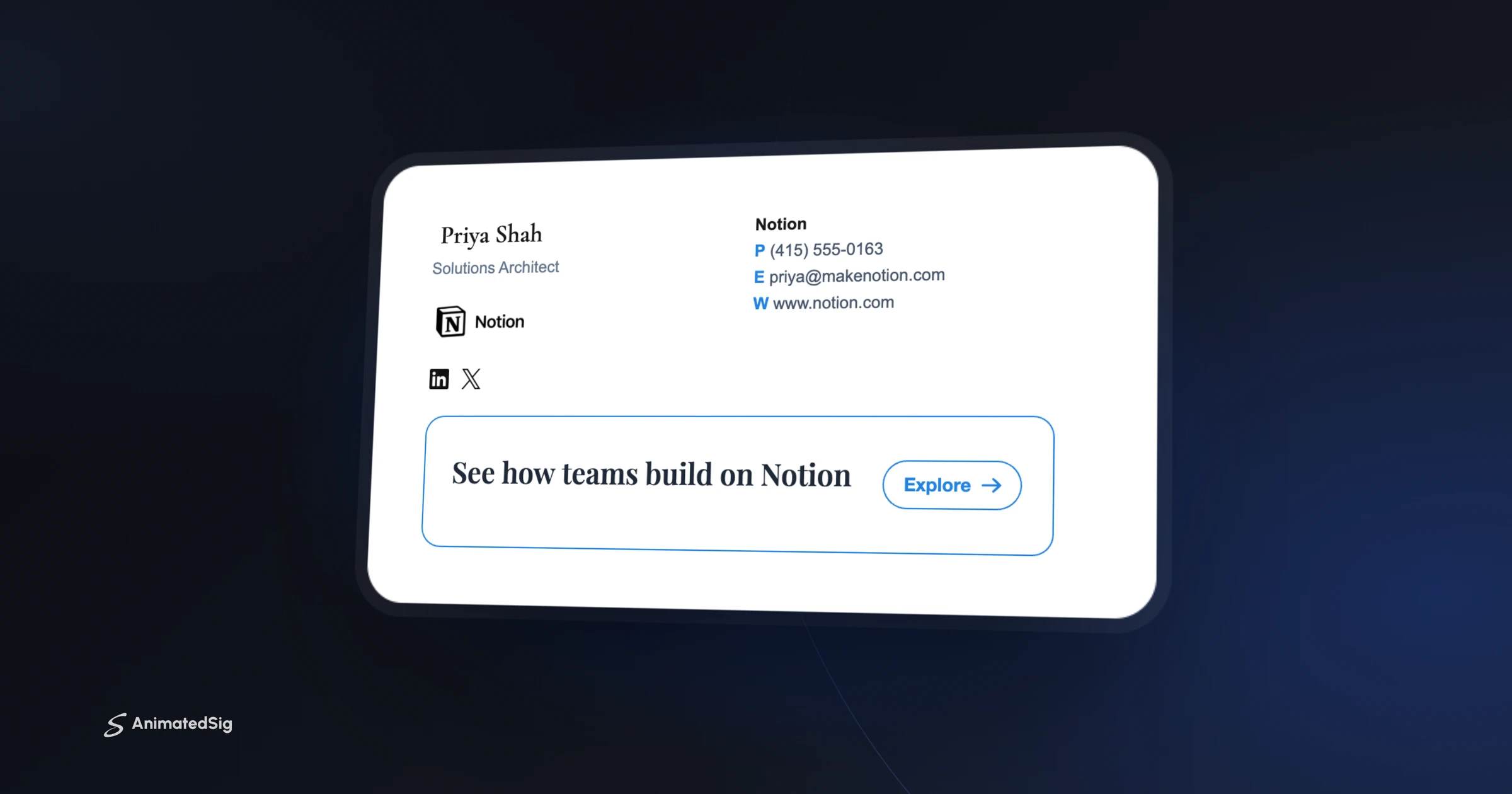
| Banner | Events, launches and seasonal campaigns | Takes the most space, so retire it when the campaign ends |
| Animated button or banner | Drawing the eye to one priority | The first frame has to read on its own |
Size matters on phones. The WCAG accessibility standard sets a minimum target size of 24 by 24 CSS pixels for things people tap, and a comfortable signature button is well above that. Build it from a table cell or an image with alt text rather than CSS effects, because classic Outlook ignores rounded corners and most modern CSS. The full list is in 6 rules that stop your HTML email signature from breaking.
Rules that keep it from feeling pushy
- One call to action per signature. Two competing links usually means neither gets clicked.
- Start with a verb and say exactly what happens: Book a 15-minute call beats Learn more.
- Send people to a page built for that action, not your homepage.
- Add tracking parameters to the link so you can see which emails drive clicks.
- Rotate it when the moment passes. An expired event banner looks worse than no banner.
Keep the wording short. Three to six words fits on one line on a phone and is easy to take in at a glance. Specific numbers help set expectations, such as 15 minutes or 2-minute tour, because they tell the reader how small the commitment is.
How to track clicks on your signature call to action
- 1Start with the page the call to action points to, for example https://example.com/demo.
- 2Add utm_source, utm_medium and utm_campaign. Google Analytics says you should always use these three parameters when tagging links.
- 3Use consistent values, such as utm_source=email-signature, utm_medium=email and a campaign name like q4-demo.
- 4Paste the tagged link, such as https://example.com/demo?utm_source=email-signature&utm_medium=email&utm_campaign=q4-demo, into your button or banner.
- 5After a few weeks, check the campaign in your analytics and compare it with your previous call to action.
If you're on a team, agree on the values up front so every person's clicks roll up into one campaign instead of a dozen slightly different ones.
Match the call to action to the conversation
Salespeople get the most from booking links. Support and success teams do better with help center or review links. Founders and marketers can promote whatever launch or event matters this month. If different teams send very different emails, give each team its own call to action rather than forcing one message on everyone.
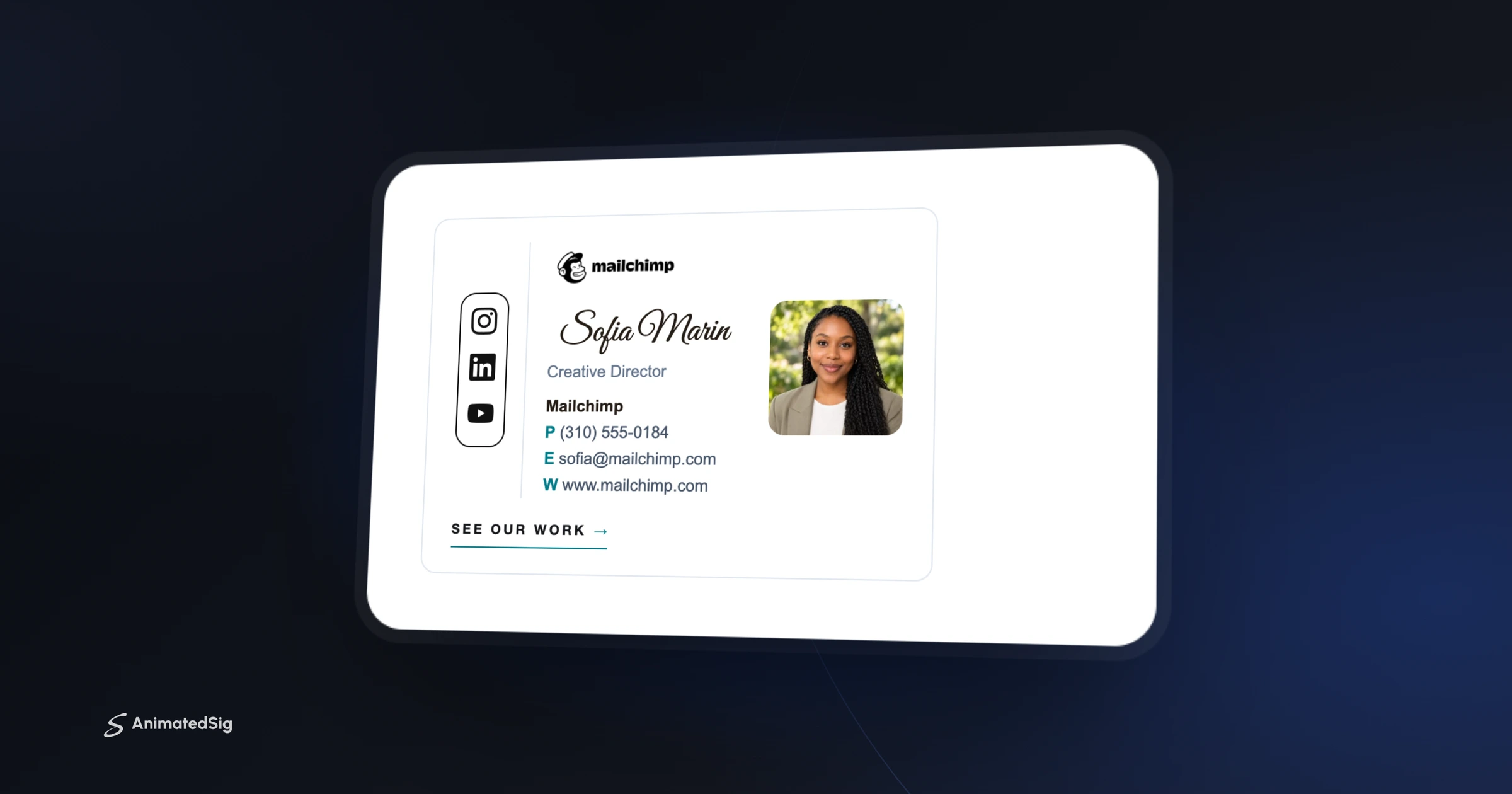
A few pairings that fit naturally: recruiters with See open roles, agencies with See our work, consultants with Book an intro call, and product teams with Start a free trial or Take the 2-minute tour.
When to change it
- The day after an event or webinar you were promoting.
- When a launch, sale or hiring push ends.
- At the start of each quarter, as a quick check that it still matches your goals.
- When clicks in your analytics fall off, which can mean regular contacts have stopped noticing it.
Whichever you choose, make sure it still works where it lands. If you write from Outlook, how to add an animated signature to Outlook covers pasting it in without breaking the button. Ready to add yours? Build a signature with a call-to-action button in a few minutes.
Frequently asked questions
What is a call to action in an email signature?
It's a single link or button at the bottom of your signature that invites the reader to take one next step, such as booking a call, reading a case study or starting a trial.
How many calls to action should a signature have?
One. Several competing links tend to split attention so none of them gets clicked. Rotate the call to action over time instead of stacking them, for example swapping a booking link for an event banner in the weeks before the event.
Should my signature CTA be a button or a text link?
A button or slim banner stands out more and is easier to tap on mobile. A short text link works well in more conservative industries. Either way, start with a clear verb.
How do I track clicks on my email signature link?
Add UTM parameters to the link, at minimum utm_source, utm_medium and utm_campaign, as Google Analytics recommends. Clicks then show up in your analytics under that campaign, so you can compare one call to action with another. Use the same values across your team for clean reporting.
Ready to build yours?
Pick a template, add your details and watch it animate live. Free to build and preview, pay once when you're ready to install.
Build my signature for free